Get a MagicInfo license, as low as starting at only$13.49/mo

Support center

How to obtain MagicInfo license

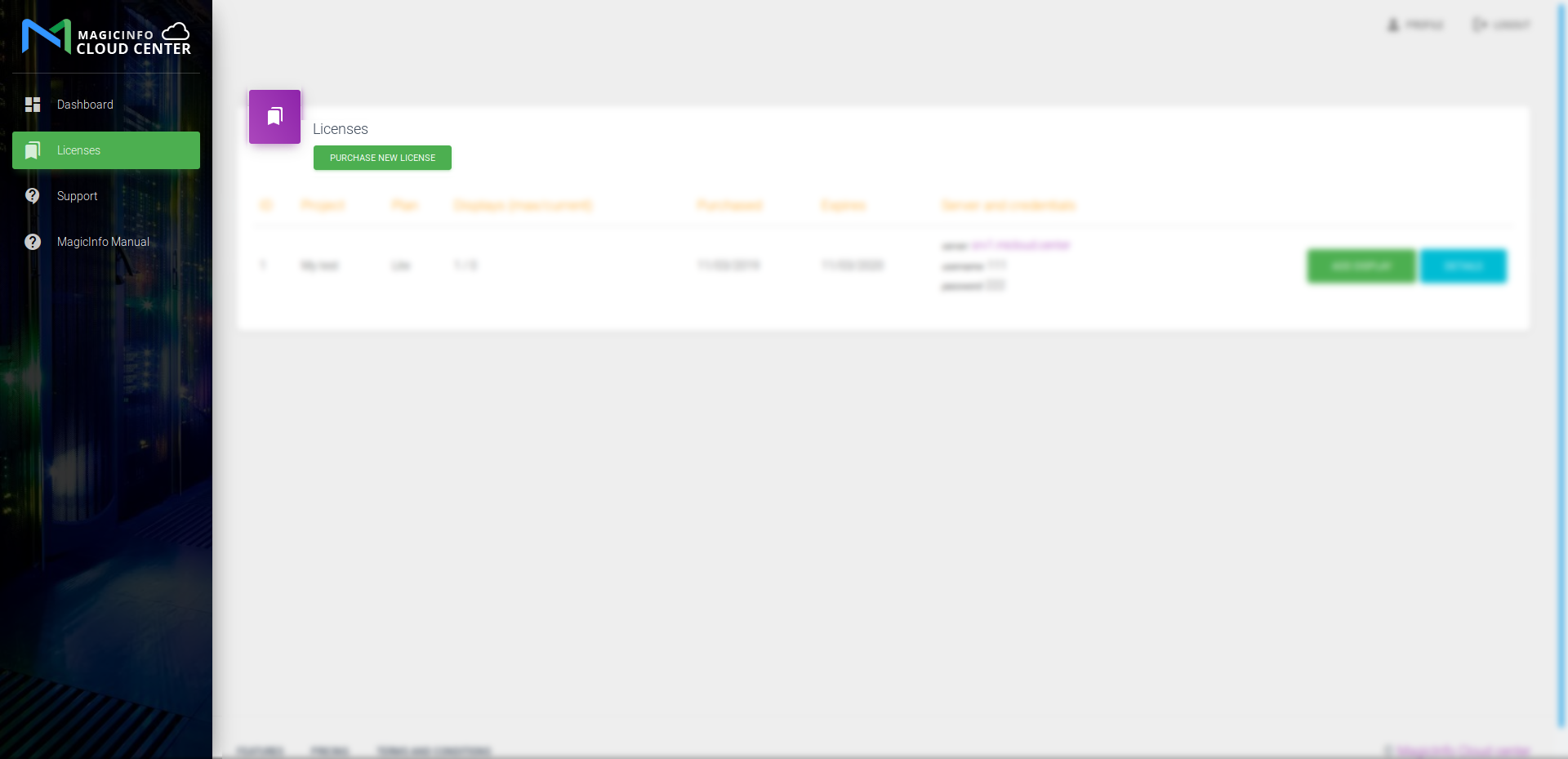
1. Purchase new license
 

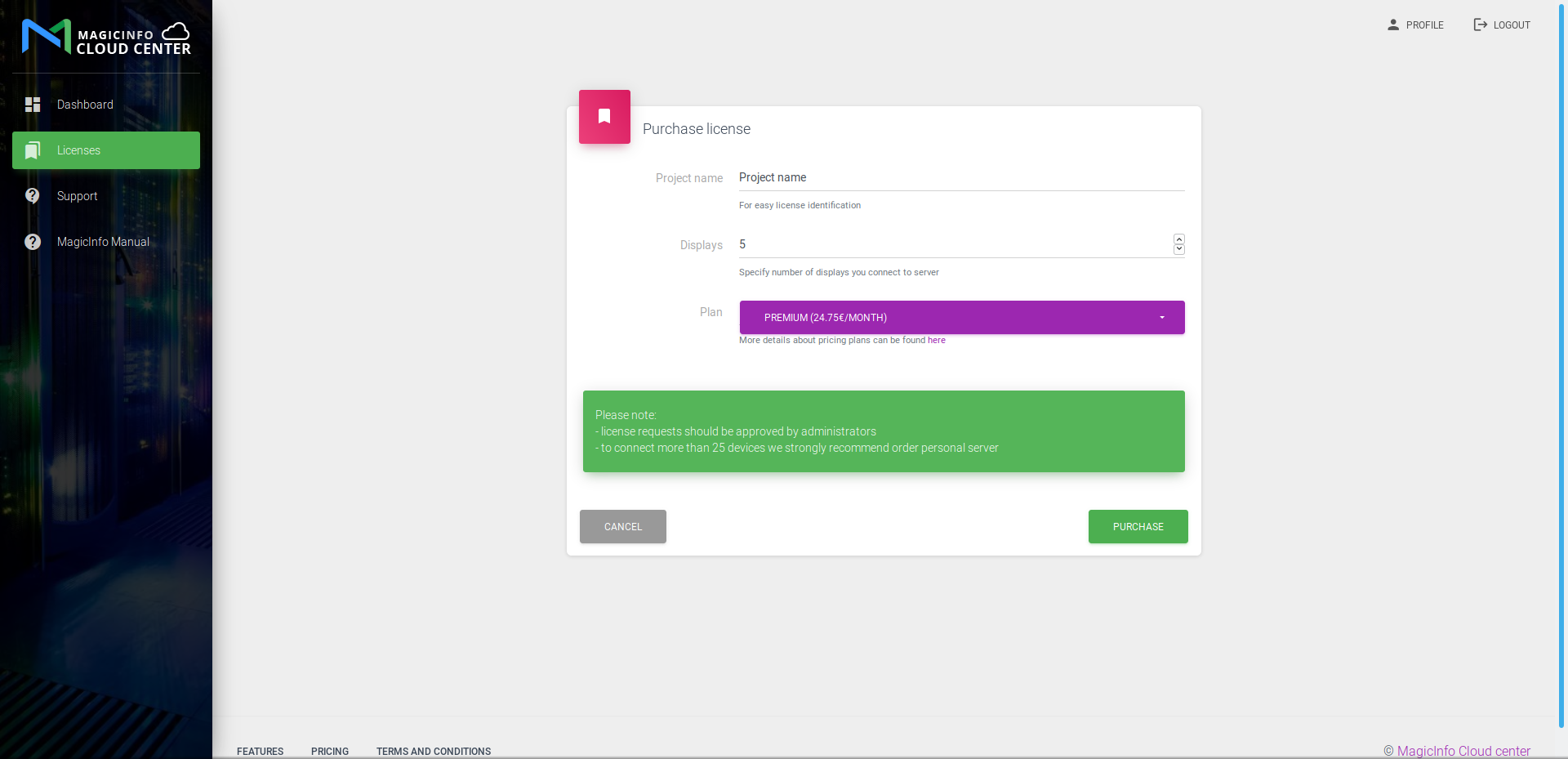
2. Enter project details
 

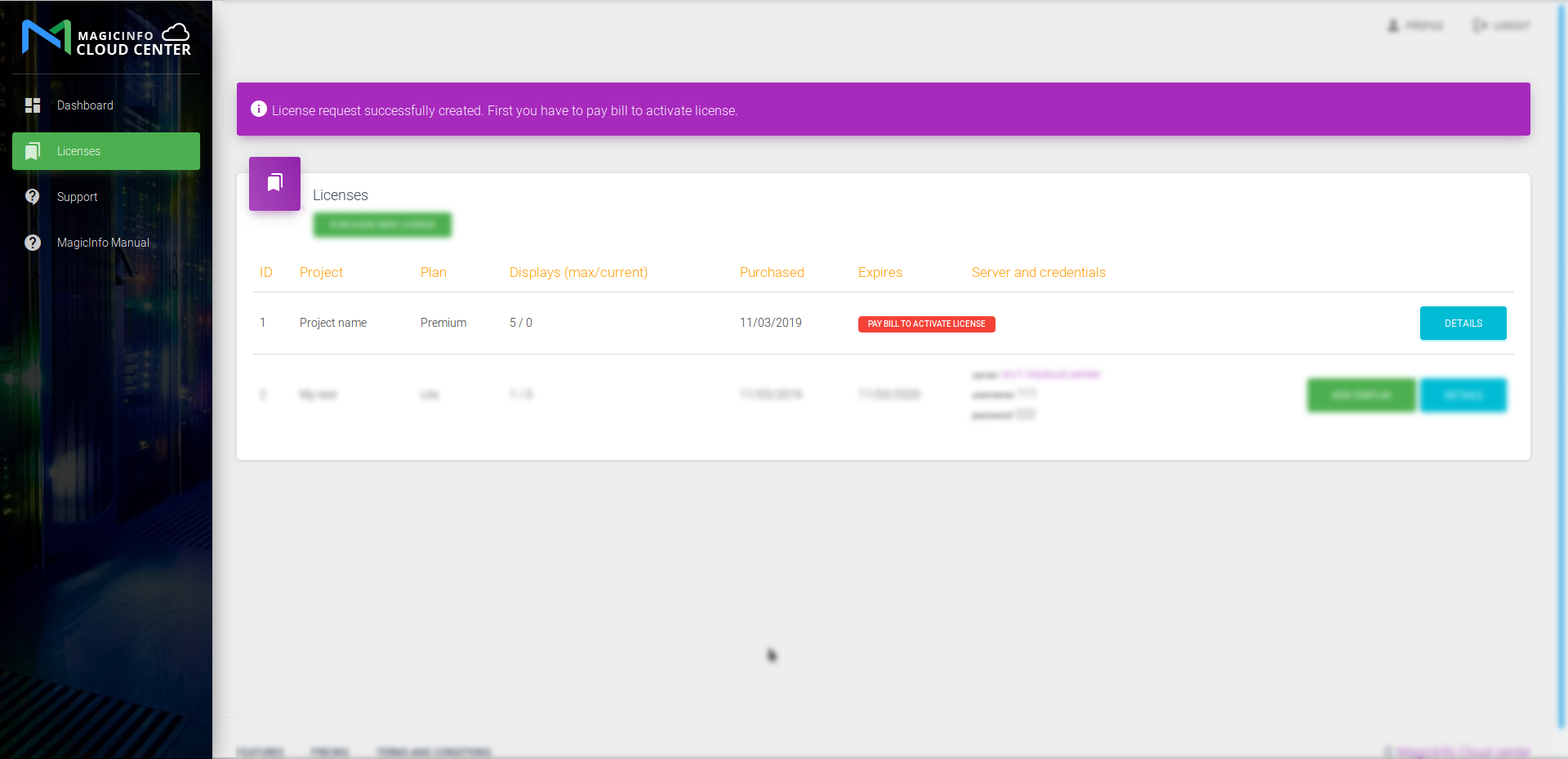
3. Go to payment

Press Details button near new license

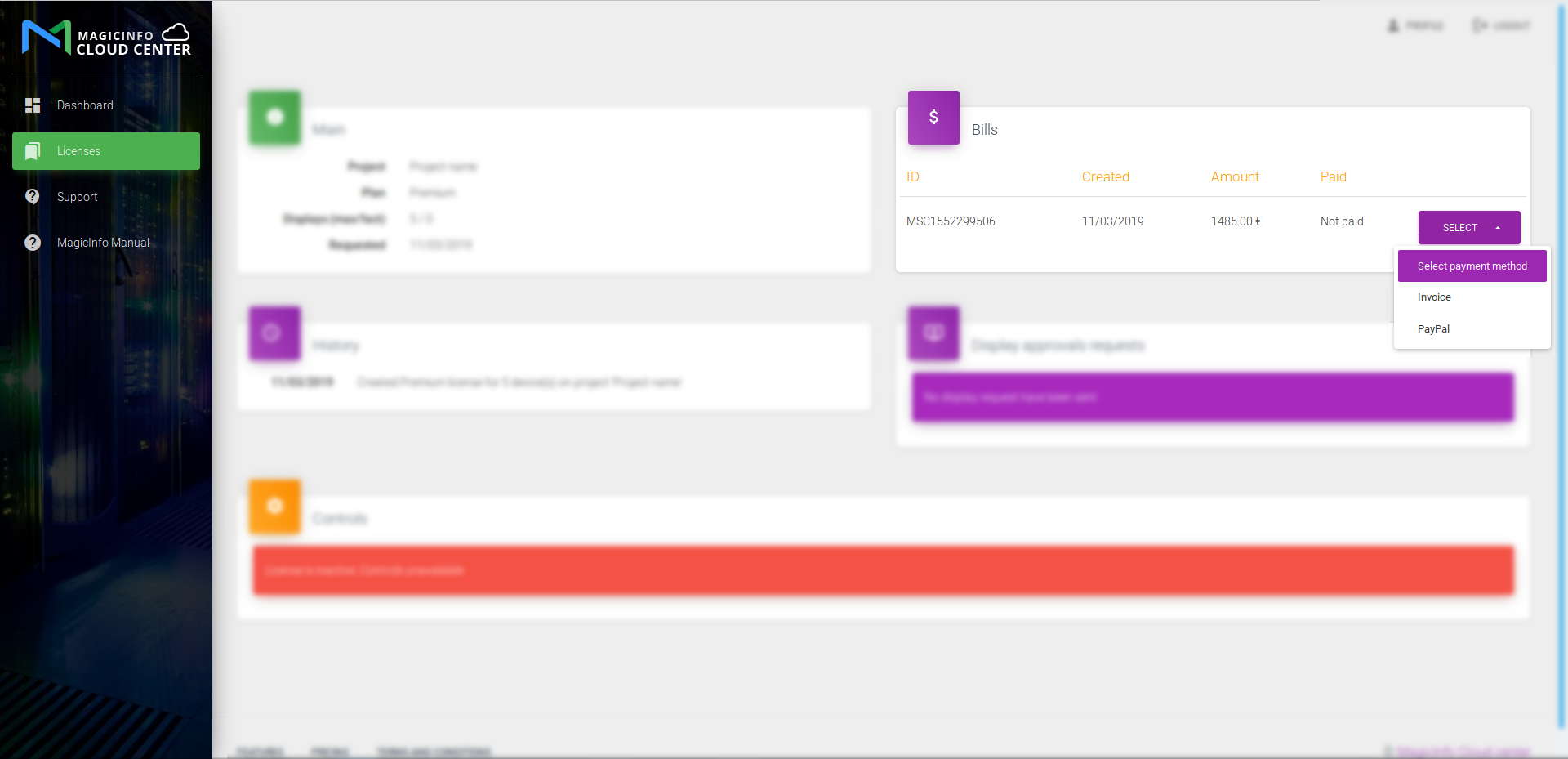
Select proper payment method
Other popular questions
How to get a free trial?

Register for free and get a 30-day trial with full Premium features - no credit card required.

What are the pricing plans?

We offer RM (remote management only), Lite (basic content), and Premium (full features) - starting at $7/month.

How to obtain free MagicInfo license?

Sign up and start your free 30-day trial to explore all features before subscribing.

How to obtain MagicInfo license?

Create a project in your dashboard and purchase the plan that fits your needs via PayPal or credit card.

How to connect display to MagicInfo server?

Enter your server URL and credentials in the display settings menu - watch our video guide for step-by-step instructions.

What payment methods are accepted?

We accept PayPal and credit cards (Visa, MasterCard, Amex) via PayPal, SEPA bank transfer, and international wire transfer.

How to request an invoice?

You will receive an invoice by email as soon as you order a service plan.

How to create a project/license?

Go to Dashboard > Licenses > Purchase New License, name your project, select a plan, and complete payment.

How to add devices to my license?

Follow these steps: 1) Set network settings on your display and ensure internet connection, note the IP address. 2) Configure server settings with your server URL and port. 3) Add the display IP to your project in the cabinet. 4) Check the display on MagicInfo server in connected devices list. Contact support if facing issues.

How to extend/renew my license?

Click "Extend" on your license in the Dashboard to add months or upgrade your plan at any time.

Scroll